
 When communicating with our team during your apartment search, you may receive a message like this: “Apartment # NY-14649 has just become available for your dates, do you like it?”
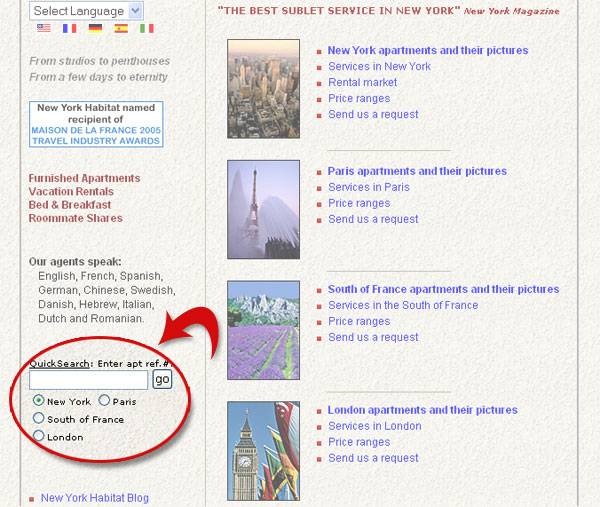
To find out more about this apartment, all you need to do is go to our homepage www.nyhabitat.com, find the “Quick Search” box in the middle of the left hand side column, enter the reference number (digits only) and select the destination (in our example, New York) immediately below the box where you entered the apartment reference number. Then, click on “GO”.
This will lead you directly to the apartment full description and photos.
 It’s fast and easy!
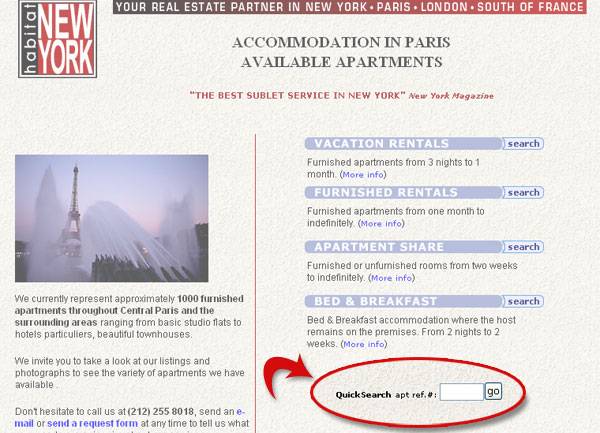
You will also find another Quick Search box on each destination page (after you have clicked on a specific destination from our home page, for example https://www.nyhabitat.com/paris-apartment.html for an apartment in Paris). The box is just below the list of the types of rentals (Vacation Rentals, Furnished Rentals, Roommate Shares, Bed and Breakfast). In the Quick Search box, from this page, you only need to enter the digits of the apartment reference number.
Try it!




Leave a Reply